AI & Automation
AI and automation that remove work instead of adding complexity.
Bright Code builds practical AI features and workflow automation: assistants, document workflows, classification, extraction, routing, search, summaries, and operational automation — connected to the systems your team already runs on.
Human oversight built in by default

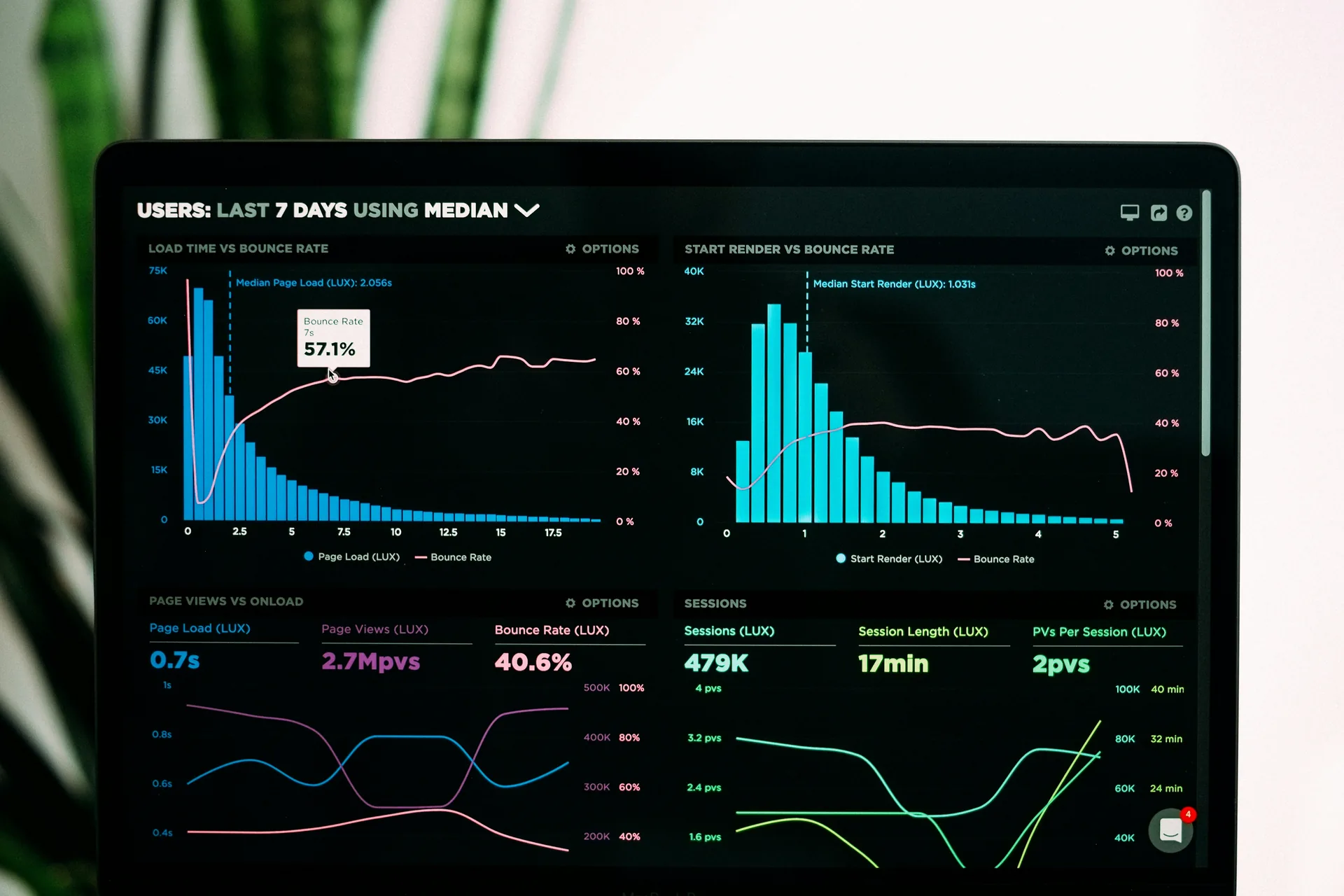
Where Automation Helps
Start with repetitive decisions and repeated handoffs.
The best automation candidates are tasks your team already performs the same way, over and over. If a process has clear inputs, predictable rules, and a measurable outcome, it can usually be simplified — and often partially automated.
Manual Data Entry
Document Handling
Support Triage
Content Operations
Internal Search
Reporting
Lead Routing
AI Capability Map
Choose intelligence only where it improves the workflow.
Not every step needs a model. We map each capability to the points in your process where it measurably helps — and leave the rest deterministic, fast, and cheap to run.
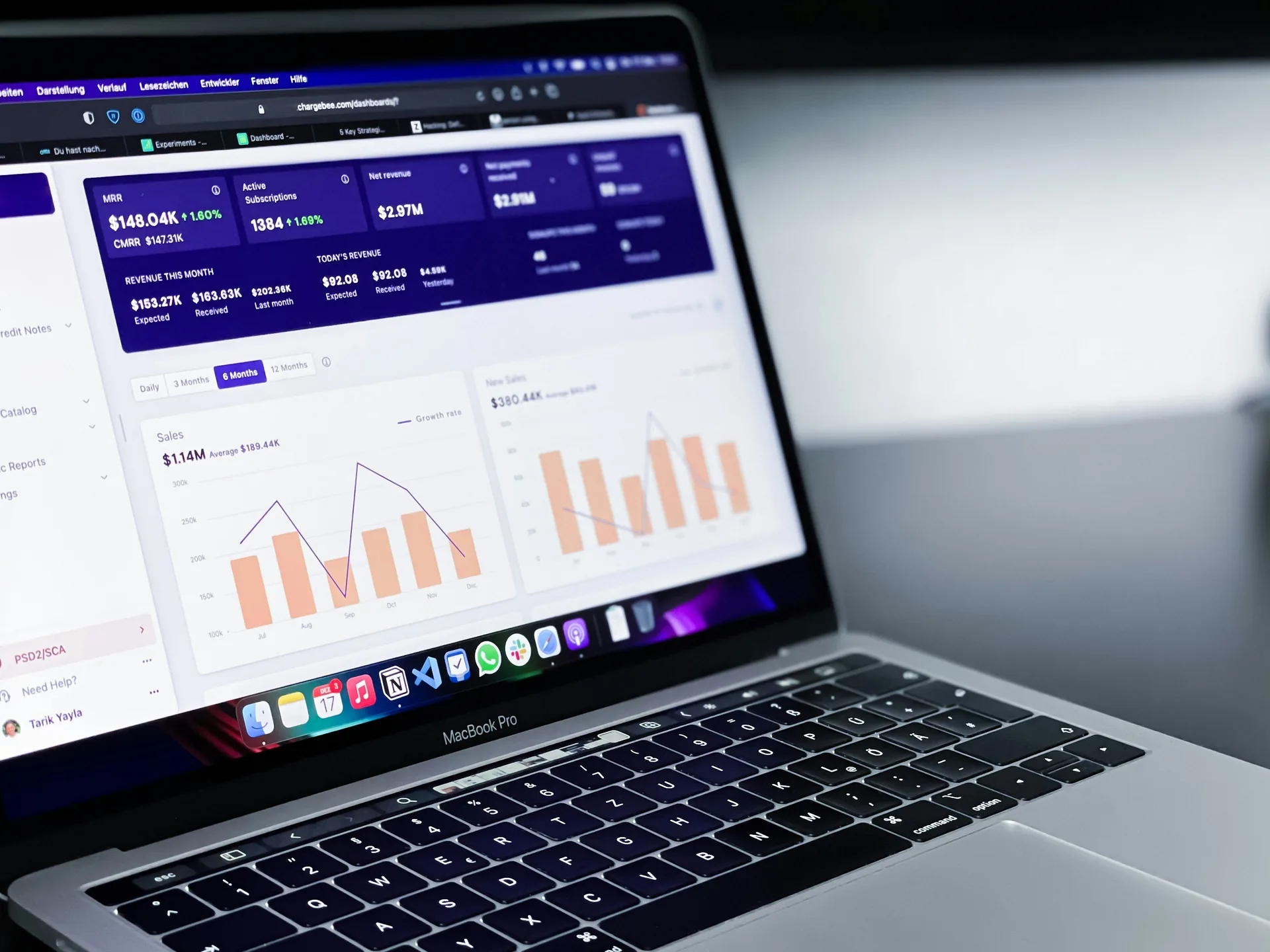
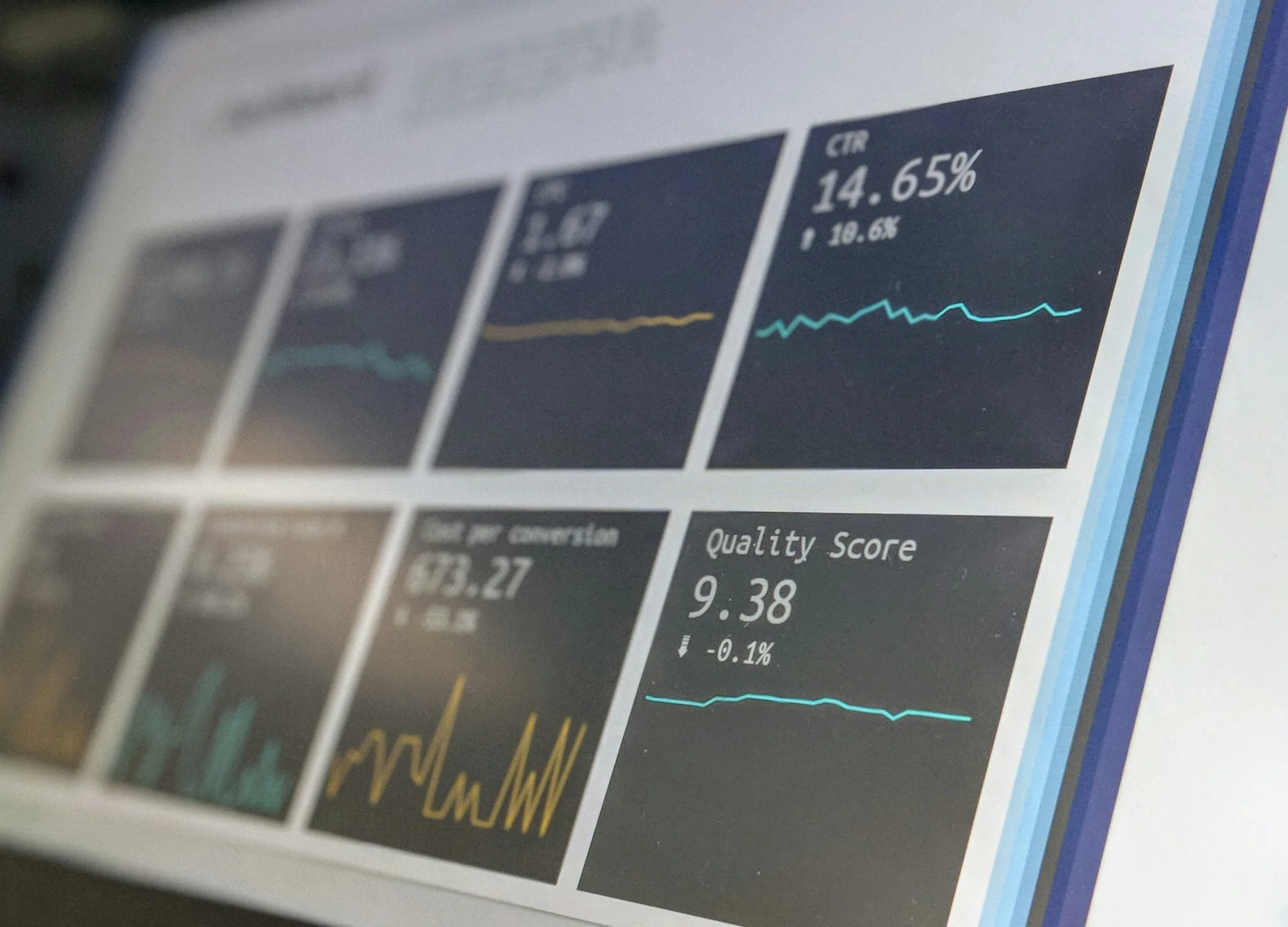
Language & Assistants
Drafting, summarizing, rewriting, and conversational helpers embedded where people already work.
Extraction & Classification
Pull structured fields from documents and messages, and route them to the right bucket automatically.
Search & Retrieval
Find answers across your own documents, tickets, and records — with sources attached.
Recommendation & Scoring
Rank leads, prioritize tickets, and score requests so your team handles the right thing first.

Human-in-the-Loop
Automation with clear checkpoints.
Automation should know when to stop and ask. Every workflow we build defines exactly where people stay in control — and what happens when the system is unsure.
- Confidence thresholds that route uncertain cases to people
- Approval steps for consequential actions
- Review queues with full context, not raw alerts
- Fallbacks when a step cannot complete
- Traceability of every automated decision
- Escalation paths to the right owner
Automation Architecture
Connect the systems, then simplify the process.
A typical automation follows one clear pipeline. Each step is explicit, observable, and replaceable — so the system can evolve without being rebuilt.
01
Trigger
An event starts the workflow: a file, a form, a message, a schedule.
02
Normalize
Inputs are cleaned and shaped into one consistent structure.
03
Decide
Rules or models choose the next action, with a confidence score.
04
Act
The system updates records, drafts content, or routes the work.
05
Record
Every action is logged for audit, debugging, and improvement.
06
Review
People check outcomes, handle exceptions, and refine the logic.
Product + Operations Integration
AI should live inside the tools people already use.
We embed automation into your existing stack instead of adding yet another dashboard to check. The intelligence shows up where the work already happens.
Web Apps
Mobile Apps
CRM
Ticketing
Databases
File Systems
Internal Dashboards



Quality & Safety
Design for wrong answers before launch.
AI systems fail in predictable ways. We design for those failures up front — not after the first incident reaches a customer.
- Validation of inputs and outputs
- Permissions that mirror your existing access rules
- Sensitive-data boundaries and redaction
- Auditability of prompts, sources, and actions
- Rate and cost controls per workflow
- Testing with real edge cases
- Fallback behavior when confidence is low
Measurement
Measure time saved, error reduction, and completion quality.
Automation earns its keep only if the numbers move. We define the baseline before we build, then track the workflow after launch — including how often people still step in.
Baseline Metrics
How long the task takes and what it costs today, before anything changes.
Human Review Rate
How often the system asks a person to check its work.
Cost per Workflow
What each automated run costs to execute and maintain.
Failure Rate & Adoption
How often runs fail, and whether the team actually uses the result.
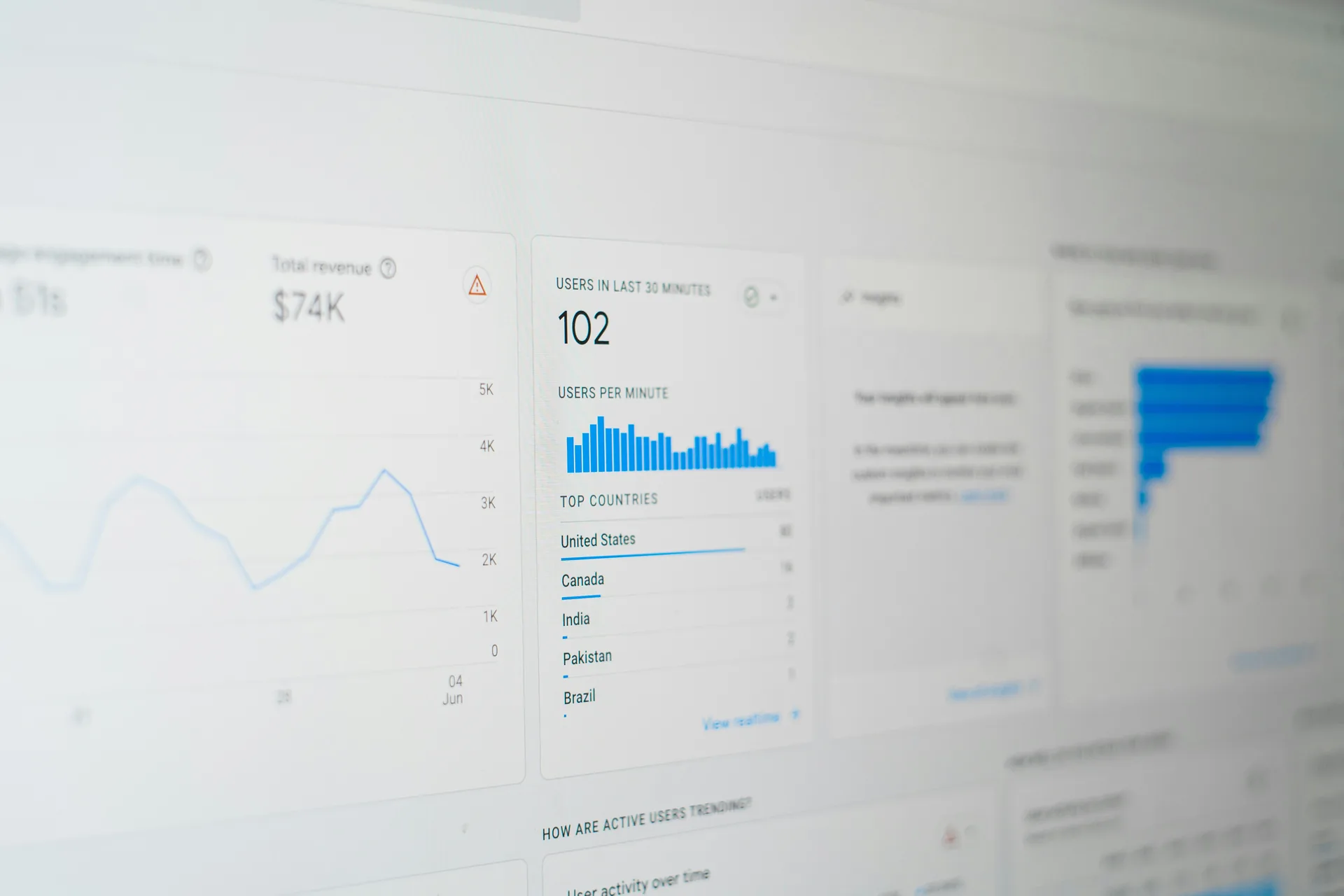
Illustrative Scenario
Example: document intake to reviewed action.
An illustrative example — not a client story — of how a typical document workflow comes together end to end.
- Incoming files arrive by email or upload
- Key fields are extracted from each document
- Documents are classified by type and intent
- Values are validated against your rules
- A human reviews anything uncertain
- Approved data is pushed to the business system
- Status and outcomes appear on a dashboard


What task does your team repeat every day?
Describe the workflow and where it bottlenecks. We will help you map it, estimate the automation potential, and decide whether AI belongs in it at all.
What triggers the task? • Where does the data live? • Who checks the result?